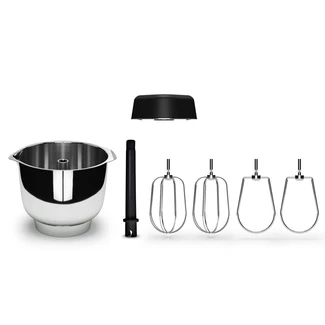
• A photo of a stainless steel bowl and beater attachments on a white background.
    In category: Accessories

    Premium Beater Set & Bowl Complete

    215 
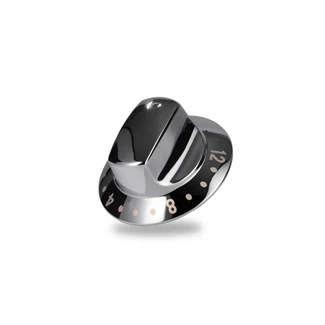
  • timer knob
    In category: Replacement Parts

    Panel Knob Timer 6230

    25 
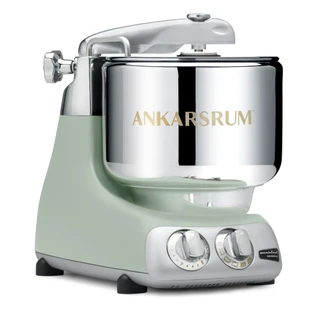
  • Ankarsrum Assistent Original in Nordic Sage.
    In category: Stand Mixer

    Ankarsrum Assistent Original Stand Mixer – Nordic Sage

    No ratings yet for this product.
    Average rating across the category: 5 out of 5
    799 
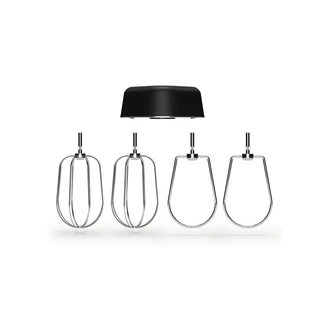
  • A photo of the Premium beater attachments on a white background.
    In category: Accessories

    Premium Beater Set

    109 
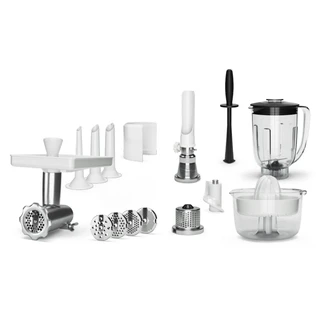
  • Mincer with Hole Discs & Sausage Horns, Strainer, Grater, Citrus Press and Blender with Tamper.
    In category: Accessories

    Deluxe

    389 
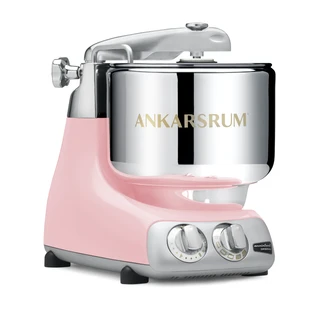
  • Ankarsrum Assistent Original in Cloudy Pink.
    In category: Stand Mixer

    Ankarsrum Assistent Original Stand Mixer – Cloudy Pink

    No ratings yet for this product.
    Average rating across the category: 5 out of 5
    799 
  • Ankarsrum Assistent Original in Cloudy Pink.
    In category: Stand Mixer

    Ankarsrum Assistent Original Stand Mixer – Cloudy Pink

    No ratings yet for this product.
    Average rating across the category: 5 out of 5
    799 
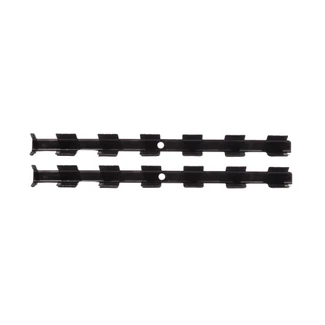
  • Scraper for Lasagnette Cutter
    In category: Replacement Parts

    Scraper for Lasagnette Cutter

    20 
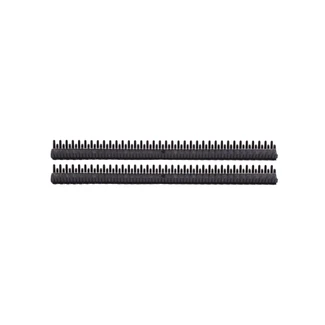
  • Scraper for Spaghetti Cutter
    In category: Replacement Parts

    Scraper for Spaghetti Cutter

    20 
  • Scraper for Fettuccine Cutter
    In category: Replacement Parts

    Scraper for Fettuccine Cutter

    20 

What color fits in your kitchen?

Ankarsrum Assistent Original is not only strong. It's good-looking too. Hard to choose color? Now you can easily test which color fits in your kitchen with our new AR function.
Follow these steps to scan the QR code: (Works on Apple products only)
  1. Open the Camera app or similar app that can scan QR codes in your mobile.
  2. Select the rear camera. Hold the mobile phone so that the QR code is displayed in the viewfinder in the Camera app. The mobile identifies the QR code and displays a notice.
  3. Tap the note to open the link associated with the QR code.
To see AR-function: (Works only on Apple products) (iOS)<
  1. Click on the small symbol in the lower right corner of the image.
To see AR-function: (Works only on Apple products) (Android)
  1. Download the app: ARzone
  2. Click on the small symbol in the lower right corner of the image.